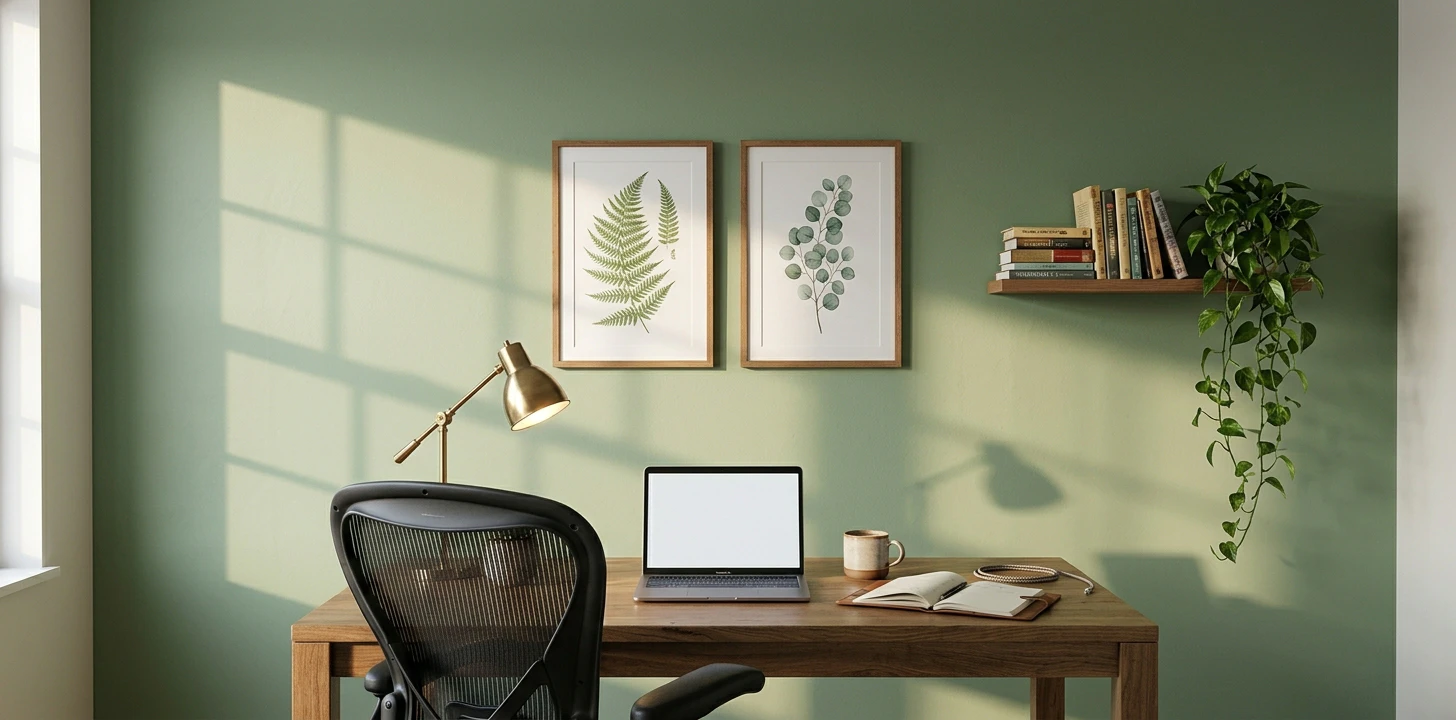
Your Zoom background is now part of your professional brand
The wall behind you on video calls is now the most-seen wall in your house. Coworkers, clients, hiring managers see it weekly — sometimes daily — for years. The blank white wall reads "I haven't thought about this." A deliberate background reads "I take my work seriously." It's the highest-ROI wall in the modern apartment, and it can be done for under $100 if you're a renter.
Peel-stick wallpaper vs paint: the head-to-head
The two materials most home-office Pinterest posts compare — but the right answer is shaped specifically by how much video you do and whether you're optimizing for first impression or daily-call fatigue.
| Peel-stick wallpaper | Matte paint | |
|---|---|---|
| Cost (24 sq ft Zoom wall) | $80–120 | $30–50 |
| Install time | 90 min | 2–3 hrs incl. cure |
| Webcam camera behavior | Moiré on patterns under 2 inch repeat | No compression artifacts ever |
| First-impression on Zoom | 0.3–0.5 sec — reads "designed" | 2–4 sec — needs props to register |
| Best for | First-impression video, creative branding | Daily team calls, 6+ hr video days |
Pick wallpaper if you do sales/interview/content calls where first impression matters and your work needs visual brand styling. Stick to non-woven matte finishes with pattern repeats over 4 inches. Pick paint if most of your calls are daily team meetings, you're on Zoom 6+ hours a day, or you want the wall to age gracefully across years. For dedicated home offices, the hybrid (paint camera-facing wall + wallpaper side wall + acoustic foam) for $150-230 delivers camera-clean + styled space without compromise.
Still deciding between these two? Read the full Wallpaper vs Paint comparison → — the Zoom-camera moiré problem nobody talks about, the lighting glare gotcha with vinyl finishes, the camera-angle-shaped hybrid recipe, and 6 FAQs specific to video-call optimization.
The four options that work for video
Cameras lie. What looks gorgeous in person can look terrible on a webcam — busy patterns moiré, dark colors swallow detail, glossy paint blows out highlights. Stick to these four:
- Matte paint in a warm mid-tone (sage, terracotta, charcoal) — cheapest, photographs flat and clean
- Peel-and-stick wallpaper with large-scale pattern — busy textures blur to a pleasing pattern on camera
- Acoustic panels in geometric grid — sounds professional, looks designed, killer for call quality
- Wood slat / shiplap wall — warm, neutral, screams "intentional space"
The renter-friendly Zoom wall under $100
For a typical wall behind a desk (40 sq ft, the visible camera frame), peel-and-stick wallpaper in a botanical or geometric pattern from Tempaper or Chasing Paper costs $80. Install takes 90 minutes. Comes off cleanly when you move. Done.
Acoustic panels: the secret weapon
If your home office echoes (most do — small rooms with hard floors are reverb chambers), $80 of acoustic panels on the wall behind you does two things at once: it kills the echo on your calls AND it adds a designed grid pattern to your background. People comment on it. BUBOS and Arrowzoom both do peel-and-stick versions that don't damage walls.
Wood slat walls: premium without the commitment
3D wood slat panels (Art3d, Concord) install with construction adhesive or peel-and-stick backing. At $5/sq ft they're not cheap, but a single 4×6 ft wood-slat accent strip behind your camera is $120 and looks like a $2,000 design project. The contrast against a plain painted wall is the look most "professional home office" Pinterest boards are selling.
Lighting fixes more than wall color
Before you change the wall, fix the light. A single soft-box LED panel or even a $20 ring light on your face does more for how you look on Zoom than any wall finish. Then a deliberate background completes the picture. Doing only one (wall but not lighting) leaves you well-decorated but underlit.