Watch: how it's done
Tiny Work-From-Home Office Makeover — embedded from YouTube
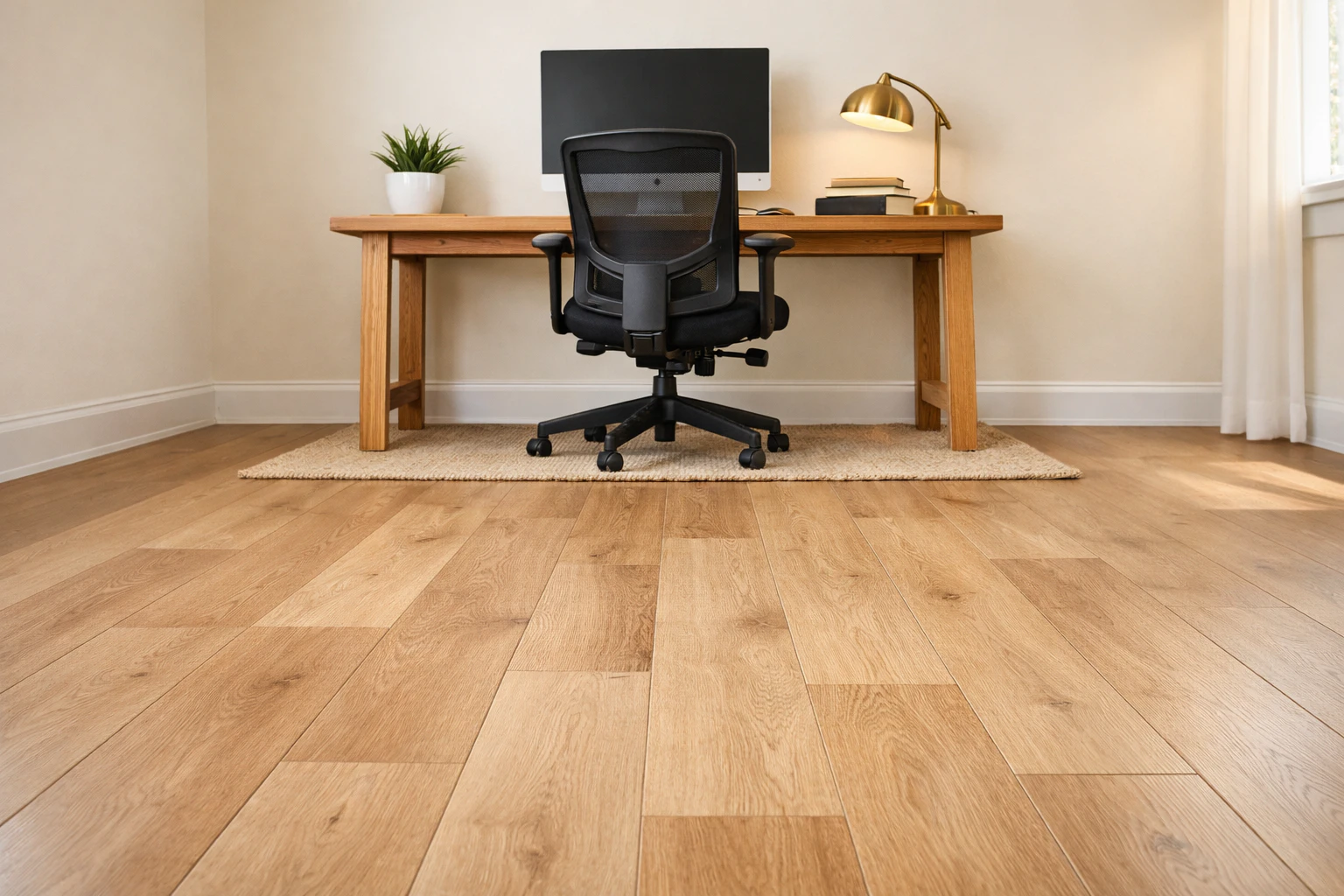
Compare LVP, FLOR carpet tiles, anti-fatigue mats and washable area rugs for home offices. Real prices and chair-wheel-friendly options for remote work.
Why this pick: Same Ruggable washable rug brand. In offices, the washable construction matters — coffee, ink, and food spills are inevitable. Most rugs would be ruined; Ruggable's machine-washable cover survives.
Why this pick: FLOR's adhesive-dot carpet tiles peel up individually for cleaning. Coffee spill? Swap one tile for $30 instead of replacing the whole floor. Best balance of soft underfoot + maintainable.
Why this pick: Same LifeProof LVP as the rest of the house. For home offices specifically, the smooth surface lets desk chairs roll freely — carpet tiles snag wheels and slow down the everyday workflow.
Why this pick: Imprint's CumulusPro anti-fatigue mats are physical-therapist-recommended for standing desks. The foam composition reduces back/foot fatigue measurably during 8-hour shifts. Not a full-room floor — just under the desk.
Prices verified July 2026 · US market · subject to change
Tiny Work-From-Home Office Makeover — embedded from YouTube
The floor under a home office desk takes more abuse than any other room — chair wheels rolling 50 times a day, dropped pens, coffee spills, cable management. Plus you're standing or sitting on it for hours. The trade-off matrix: hard floors (LVP, hardwood) let chairs roll freely but are cold and unfriendly to bare feet. Soft floors (carpet, area rugs) are warmer but snag chair wheels and trap stains.
The two real "do I want a hard or soft floor" options for WFH. The right answer depends almost entirely on whether you do more video calls or more deep-work chair-rolling, plus a few install-difficulty and cost-amortization factors.
| Click-lock LVP | FLOR carpet tiles | |
|---|---|---|
| All-in cost (120 sq ft) | $336 | $320–510 (incl. chair mat) |
| Chair-wheel rolling | Free roll, no mat needed | Snags — chair mat required |
| Spill replaceability | Plank-pull half day | Swap 1 tile, $8–15, 5 min |
| Video-call mic dampening | +8–12 dB typing reverb | Absorbs 30–50% high freq |
| Best for | Deep-work rollers, cable-heavy, owners | Video-call-heavy work, modular setups |
Pick LVP if you do mostly async typing, roll between multiple desk zones, have a cable-heavy setup that needs clean raceway management, or want the "hardwood throughout" resale signal. Pick FLOR carpet tiles if you do 4+ hours of video calls a day, your mechanical keyboard's clack picks up on every mic, or your office is in a cold basement. For dedicated WFH offices with budget, the hybrid (LVP full room + carpet tile patch under the desk + optional anti-fatigue mat) at $416-536 delivers chair-rolling outside the zone + audio-dampening where the mic picks it up + clean cable management.
Still deciding between these two? Read the full Vinyl Plank vs Carpet Tiles comparison → — the 60,000-wheel-pass chair-wear math, the video-call mic-pickup advantage in measurable dB, the hybrid LVP-plus-tile-patch layout designers actually use, and 6 FAQs specific to WFH use.
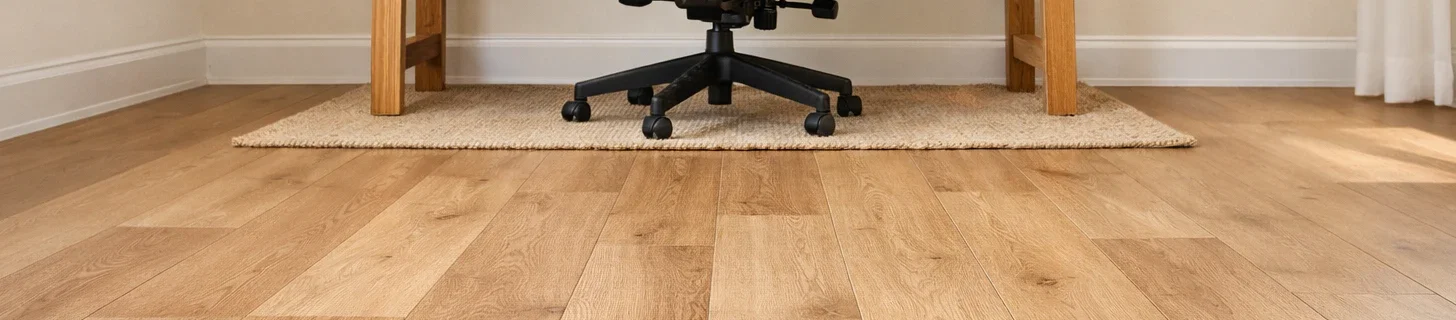
LifeProof or Smartcore click-lock LVP at $2.80/sq ft is what most remote workers settle on. Chairs roll freely (no chair mat needed), spills wipe up, and the surface looks like real hardwood. For a typical 10×12 ft office, that's $336 in material plus a Saturday to install. The lifetime residential warranty is genuinely valuable — chair-wheel wear is the kind of slow damage warranties usually cover.
FLOR's modular carpet tiles ($2-3/sq ft) peel up individually for cleaning or replacement. Coffee spill stays in one 24×24 inch tile, not the whole floor. The trade-off: chairs don't roll well on carpet, so you need a chair mat (additional $80-150) under the desk area. Carpet softens sound dramatically though — for video calls without echo, this matters.
If you have a standing desk (Uplift, Jarvis, IKEA), an Imprint CumulusPro anti-fatigue mat in front of it is non-negotiable. Standing for 4+ hours on hard floor causes measurable back and foot fatigue; the dense foam composition reduces both. $50-80 for a 24×36 inch mat. This isn't a full-floor solution — just under the desk.
For renters who can't replace the floor, a Ruggable washable area rug solves the soft-underfoot problem while staying machine-washable for inevitable coffee disasters. Position it where your chair sits — the rug edge should be at the front lip of your desk so when you roll back, you're still on the rug. A 5×7 ft rug ($150-200) covers a typical desk + chair zone.
None of these floor materials solve cable management — that's a separate problem. Cord covers (J-channel cable raceway, $15-30) run along baseboards. Under-desk cable trays mount to the desk underside. Both are office-floor-supplements that significantly improve how the room feels to use.
No — LVP is harder than carpet and chair wheels roll freely without a mat. The wear layer on quality LVP (LifeProof, Smartcore) is 12 mil or thicker, which is rated for office chair wear. A chair mat over LVP would actually be worse than nothing — it would slide around and bunch up. Save the $80 chair mat budget for something else.
Hard floor (LVP, hardwood, tile) plus an anti-fatigue mat under the standing position. Carpet alone isn't a substitute for a real anti-fatigue mat — the carpet's foam padding is too thin. The dense closed-cell foam in mats like Imprint CumulusPro absorbs the impact of standing for 8+ hours in a way carpet can't.
Generally no. LVP needs a flat, firm subfloor. Carpet flexes under chair wheels and plank seams will pop apart within months. Low-pile commercial carpet is a borderline exception, but most residential carpet is too thick. Pull the carpet first (relatively easy — staples and tack strip), then install LVP. Skipping this step is the #1 reason DIY LVP installs fail.
Carpet tiles are noticeably quieter than LVP or hardwood — they absorb high-frequency sound (typing, scraping, footsteps) that microphones tend to amplify. For Zoom-heavy work, the audio improvement is real. The trade-off is that chair wheels snag on carpet and need a chair mat. If sound quality matters more than ease of chair rolling, carpet tiles win.
The rug should extend at least 6 inches past the front edge of your desk and 12-18 inches past each side. For a typical 60-inch desk, a 5×7 ft rug fits. For a larger 72-inch desk, a 6×9 ft rug. When you push back from the desk in your chair, the chair wheels should still be on the rug — if they roll off the edge, the rug bunches and trips you up.
New comparisons, renter hacks and Amazon finds — every Sunday.