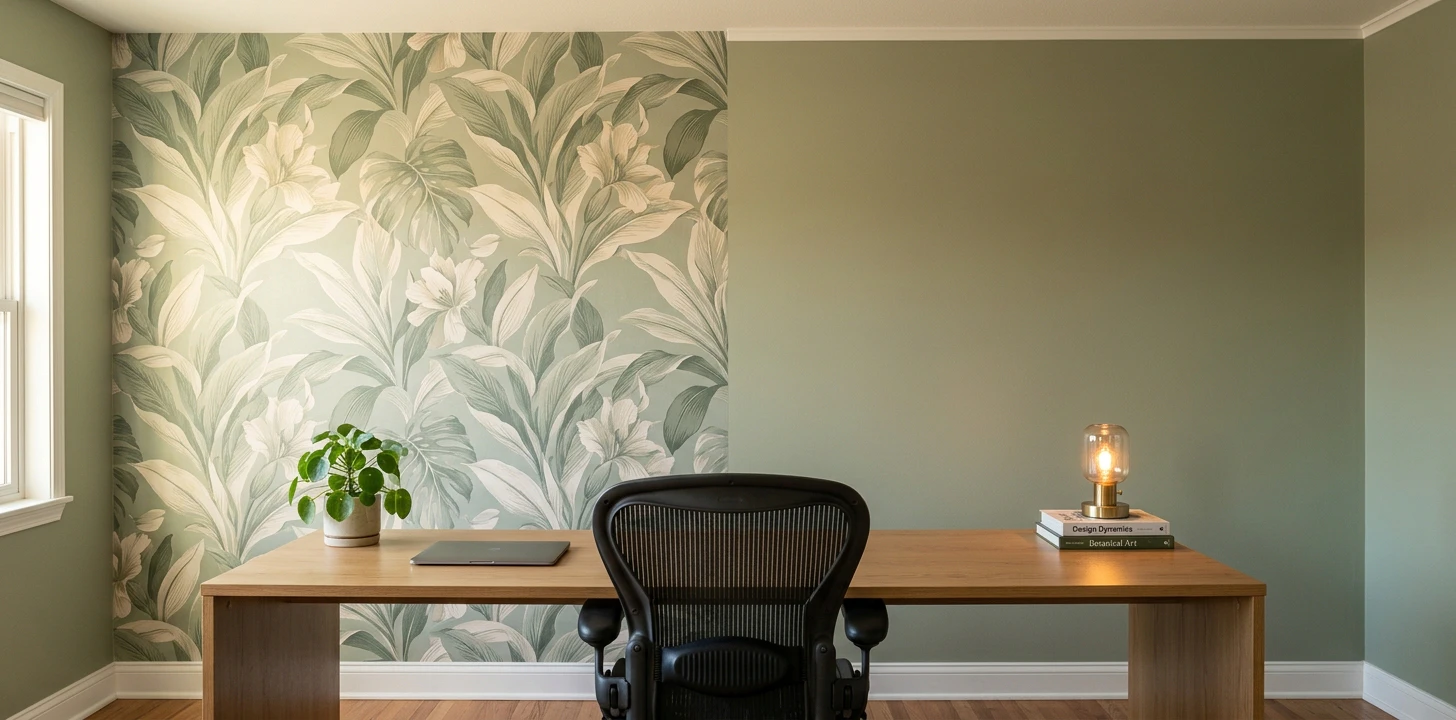
Updated July 2026. Prices reflect US market costs from Amazon, Tempaper, Chasing Paper, Sherwin-Williams and Benjamin Moore. All comparisons based on a typical "Zoom wall" — 24 sq ft of visible camera frame at typical desk distance (6 ft wide × 4 ft tall).
The wall everyone sees more than your own family
The wall behind you on video calls is now the most-seen wall in your house. Coworkers, clients, and hiring managers see it weekly — sometimes daily — for years. So the decision between peel-and-stick wallpaper and paint isn't just about which one looks best in person. It's about which one survives webcam compression, ring-light glare, and the 0.3-second first impression someone forms when they join a call and see your background.
The short version: peel-and-stick wallpaper at $80 reads as "designed creative space" within 0.3 seconds of someone joining a call — but it risks moiré artifacts on small patterns and glare hotspots on vinyl finishes. Paint at $30 photographs flat and clean with no compression artifacts ever — but takes longer to register as intentional and needs styling props (plants, art, books) to read as a choice rather than the default builder white.
Below: side-by-side table, when each one wins, the Zoom-camera behavior problem that decides it for most calls, the lighting interaction nobody talks about, the hybrid layout shaped by camera angle, and FAQs specific to home-office video use.
Side-by-side comparison
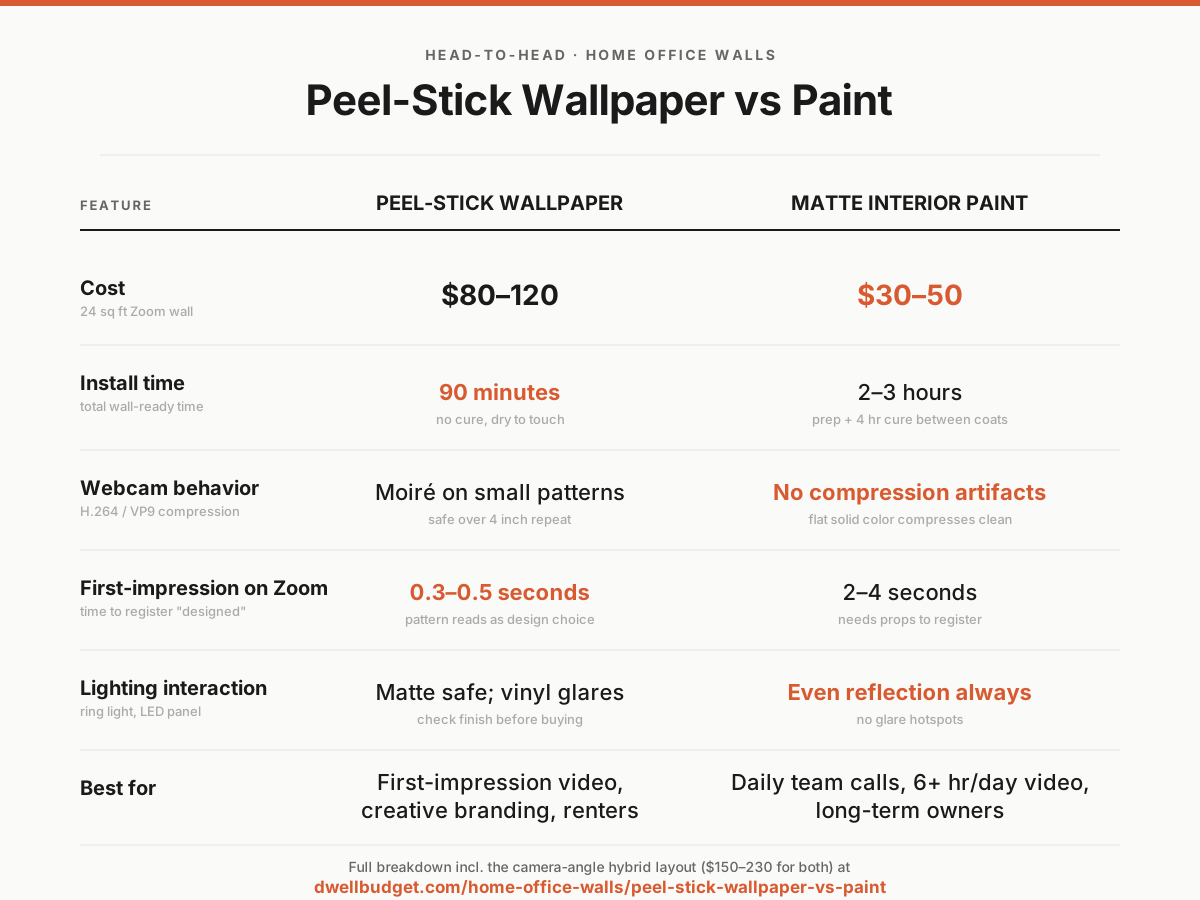
| Peel-and-stick wallpaper | Matte interior paint | |
|---|---|---|
| Cost (24 sq ft Zoom wall) | $80–120 (1 roll + cutter) | $30–50 (quart + roller + tape) |
| Install time | 90 min | 2–3 hrs (incl. prep + 4 hr cure between coats) |
| Webcam camera behavior | Moiré risk on patterns under 2 inch repeat | Flat solid color — no compression artifacts |
| First-impression speed on Zoom | 0.3–0.5 sec — registers as "designed" | 2–4 sec — needs props to register |
| Lighting interaction | Matte safe; vinyl/glossy = glare hotspots | Matte/eggshell = even reflection always |
| Echo / call audio | Tiny absorption from paper texture | Hard surface — full echo |
| Renter-safe? | Yes — clean removal from cured paint | Yes — paint over on move-out |
| Lifespan / fatigue | 1–3 years before bold pattern gets stale | 5+ years before color tires |
| Resale signal | None — buyers will remove | +$200-500 in remote-work-heavy markets |
| Best for | First-impression calls, creative branding | Daily team calls, long-term ownership |
When to pick peel-and-stick wallpaper
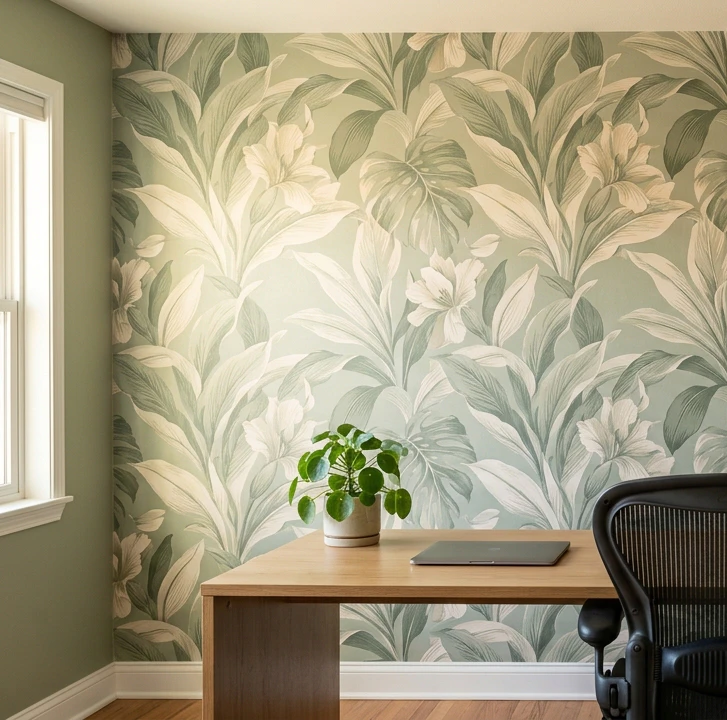
Pick peel-and-stick wallpaper if at least three of these are true:
- You do a lot of first-impression video — sales calls, interviews, intros to new prospects
- You want the wall to register as an intentional design choice instantly, without needing accessories
- Your work involves creative or visual branding (design, marketing, founder content, education)
- You rent or expect to move within 3 years — wallpaper changes are fast, paint changes need 4+ hours
- You have decent webcam lighting that won't catch glare off the wall surface
Large-scale removable wallpaper from Tempaper, Chasing Paper, or custom-printed Spoonflower at $80-120 covers a typical 24 sq ft Zoom wall (the visible camera frame at desk distance) plus 90 minutes of install. The biggest single argument is the first-impression speed — when someone joins a video call, their brain registers wallpaper as "designed creative space" within 0.3-0.5 seconds, before you've even said hello.
The under-discussed advantage is custom print. Spoonflower lets you upload exact colors, brand palettes, or specific patterns from inspiration boards — no paint color matches this. For founder content, creator workspaces, or branded video, custom-printed wallpaper at $40/yard is the only option that delivers exact-color background matched to a brand.
What you give up: moiré risk on small patterns (stick to repeats over 4 inches, see camera-behavior section below), glare hotspots on vinyl/glossy finishes (pick non-woven matte only), 1-3 year pattern fatigue before bold patterns start to feel old on daily calls, and zero resale value — buyers will remove anything previous owners chose.
When to pick paint
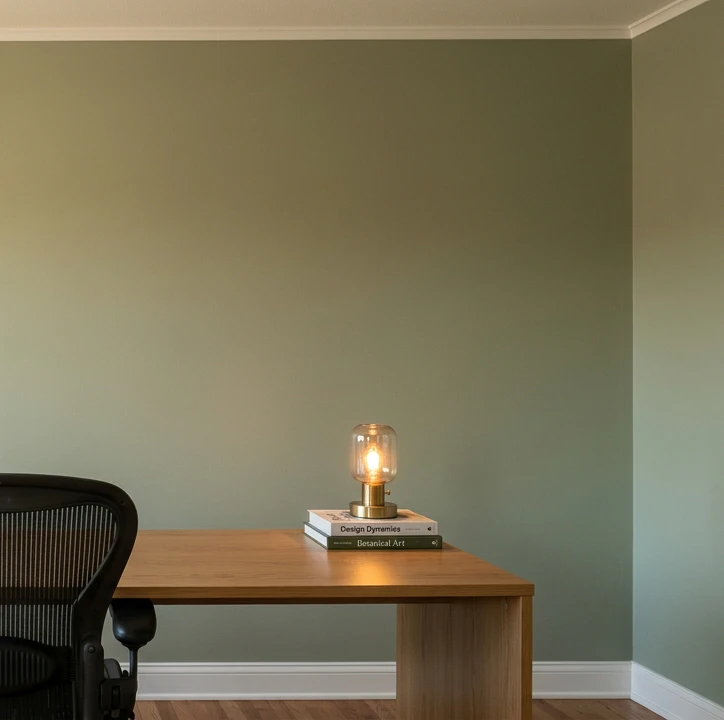
Pick paint if at least three of these are true:
- Most of your calls are daily team calls — pattern fatigue would set in within 6 months on wallpaper
- You own the home and plan to stay 5+ years, especially in a remote-work-heavy market
- Your webcam lighting setup runs hot — paint won't create the glare hotspots vinyl wallpaper can
- You already have visual props in the frame (a piece of art, a plant, a bookshelf) that help paint register as intentional
- You want the wall to age gracefully across multiple years on camera
Matte or eggshell interior paint from Sherwin-Williams, Benjamin Moore, or Behr at $30-50 for a quart (plenty for a single Zoom wall) plus a roller, tray, and painter's tape lands at $40-55 total. The two main advantages: flat color compression (H.264 and VP9 codecs handle solid mid-tone colors with zero artifacts) and even lighting reflection (matte finish creates no glare hotspots regardless of where your ring light sits).
The reliable Zoom-friendly colors that work across skin tones and webcam types: Sherwin-Williams Evergreen Fog (sage green), Benjamin Moore Hale Navy (dusty deep blue), Behr Cracked Pepper (warm charcoal), Farrow & Ball Setting Plaster (dusty pink). All four compress cleanly and avoid the "harsh white wall" Zoom-fatigue effect.
What you give up: 2-4 second first-impression delay (paint takes longer to register as intentional than pattern does), requires styling props (a plant, art, bookshelf, or visible design element to help the wall register as a choice), 4-hour cure time between coats that wallpaper doesn't need, and the custom-pattern flexibility only wallpaper offers for branded work.
The Zoom-camera behavior problem
This is the home-office-specific factor that decides the wallpaper-vs-paint question for most active video users, and almost no home decor content discusses it.
The moiré problem on wallpaper. H.264 and VP9 video compression (what Zoom, Meet, Teams, and basically every modern video platform uses) processes the frame in 16-pixel macroblocks. When a repeating pattern in the camera frame is roughly the same size as those macroblocks — a 0.5-inch geometric grid at 6 feet from a 1080p webcam, for example — the compression creates wavy diagonal artifacts called moiré that move across the wallpaper during the call. The artifacts are most visible when you move in front of the wall or when the camera adjusts exposure. Tight patterns like classic herringbone, narrow stripes, small chevrons, and tiny geometric prints almost always trigger moiré at desk distance.
The fix is pattern scale. Wallpaper with pattern repeats over 4 inches between motifs lands outside the moiré danger zone at standard webcam distances and compresses cleanly. Large-scale botanicals (oversized leaves and flowers), abstract organic shapes, big graphic statement prints, and any "wall mural" style work fine on camera. Major brands flag pattern scale in their listings — Tempaper, Chasing Paper, and Spoonflower all list "repeat: 24 inches" or similar so you can verify before buying.
Paint has no moiré problem. Solid color = no repeating texture = no compression artifacts. This is the single biggest argument for paint over wallpaper in heavy-video roles. If you're on Zoom 6+ hours a day, paint is the camera-safer choice by a wide margin regardless of aesthetic preference.
Lighting interaction: matte vs glare
The under-discussed second camera factor is lighting glare, and it's where cheaper wallpaper fails on camera in ways the static product photo never shows.
Matte interior paint reflects light evenly across the surface. A ring light, LED panel, or soft window light hits the wall and bounces diffusely — no hotspots, no glare patches, even illumination across the full wall behind you. This is true for any matte or eggshell paint finish regardless of color.
Matte non-woven wallpaper behaves the same as paint. Most modern peel-and-stick brands (Tempaper, NuWallpaper, Chasing Paper) use non-woven matte substrates that handle lighting identically to flat paint — no glare risk.
Vinyl, PVC, or glossy-finish wallpapers create visible hotspots when ring lights or LED panels hit at an angle. The glare patches show up immediately in test recordings and never improve — you'll see them on every call. Cheaper Amazon wallpaper imports and some older brands still use vinyl-faced surfaces; check the listing for "non-woven matte" or "self-adhesive matte" specifically, and avoid anything described as "vinyl" or showing reflective sheen in the product photos.
The hybrid layout shaped by camera angle
For home offices where the wall behind your desk faces the camera AND another adjacent wall is visible from a slight head turn, the combined wallpaper+paint approach gets you both the camera-clean background and the Instagram-ready styled space without forcing one to compromise the other.
The recipe:
- Paint the camera-facing wall (the one directly behind your desk that fills your Zoom background) in a Zoom-friendly mid-tone — Evergreen Fog, Hale Navy, Cracked Pepper. Solid color = zero compression artifacts on every call.
- Peel-stick wallpaper on a side wall (one adjacent wall, visible only when you turn slightly or share screen) with a large-scale pattern for the "designed creative space" read in still photos, Instagram posts of your workspace, and the occasional moment you reposition for a different angle.
- Add 6-12 small acoustic foam panels on either the painted or wallpapered wall — they double-duty as wall art AND kill echo on calls, which the listener on the other end notices immediately.
The math: $30-50 paint + $80-120 wallpaper + $40-60 acoustic foam = $150-230 total for a complete home-office setup. One weekend of work. Delivers the camera-clean primary background, the pattern-rich aesthetic for stills, AND the call-audio improvement that listeners notice. Beats going wall-to-wall with any single material for both Zoom performance and aesthetic flexibility.
The short verdict
Pick peel-and-stick wallpaper if you do a lot of first-impression video (sales, interviews, content creation), you want instant "designed space" read on calls, your work needs creative-brand visual styling, or you want custom-printed branded backgrounds. Stick to non-woven matte finishes with pattern repeats over 4 inches to avoid moiré and glare. Pick paint if most of your calls are daily team meetings (pattern fatigue is real), you're on Zoom 6+ hours a day (paint is the camera-safer long-game), you already have visual props that help paint register as intentional, or you own long-term in a remote-work-heavy market where the modest resale signal matters. For dedicated home offices with multiple visible walls, do the hybrid — paint the camera-facing wall, wallpaper the side wall, $150-230 total for the camera-clean-plus-styled result.
Comparing more home office wall options? The full home office walls guide covers acoustic foam panels (the highest-ROI call-quality upgrade), wood slat accent walls (the $120 "premium designer office" look), and the lighting fix that matters more than wall color in any home office setup.
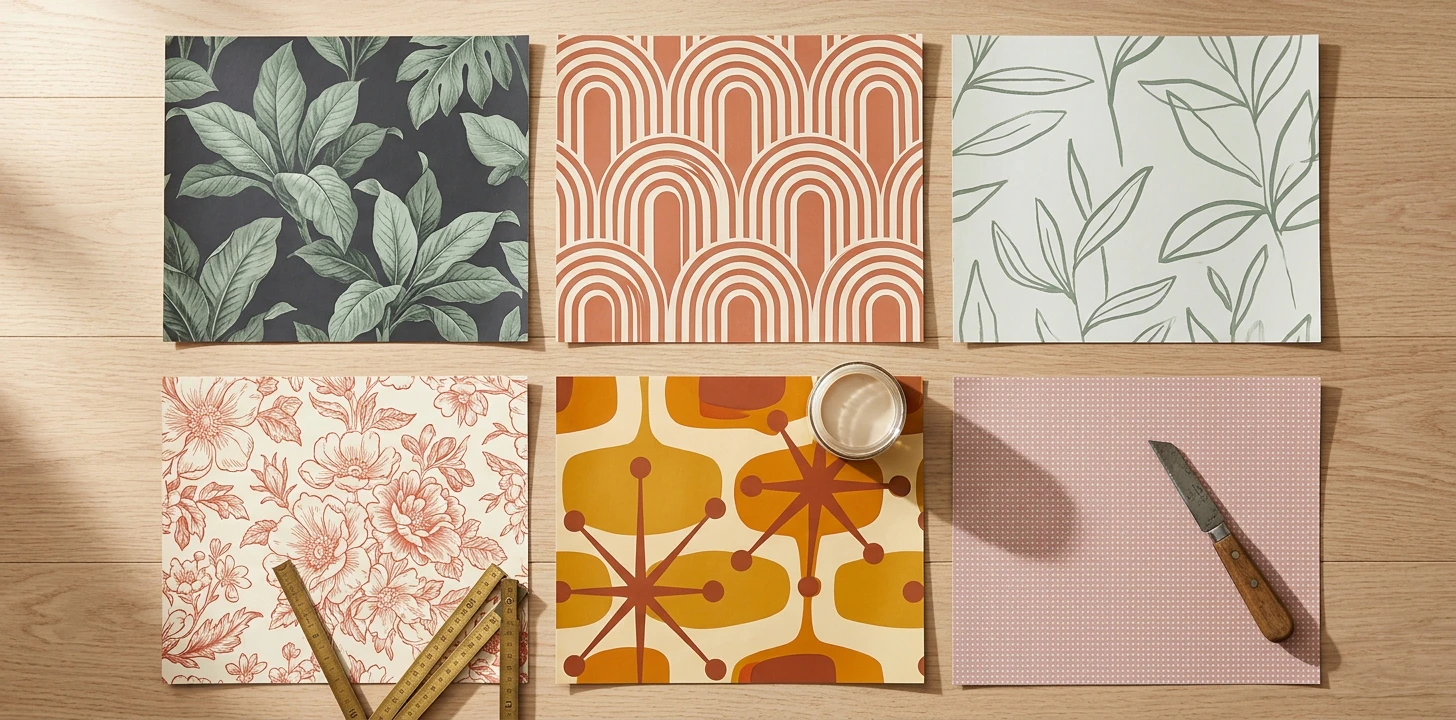 11 Best Peel-Stick Wallpaper Brands
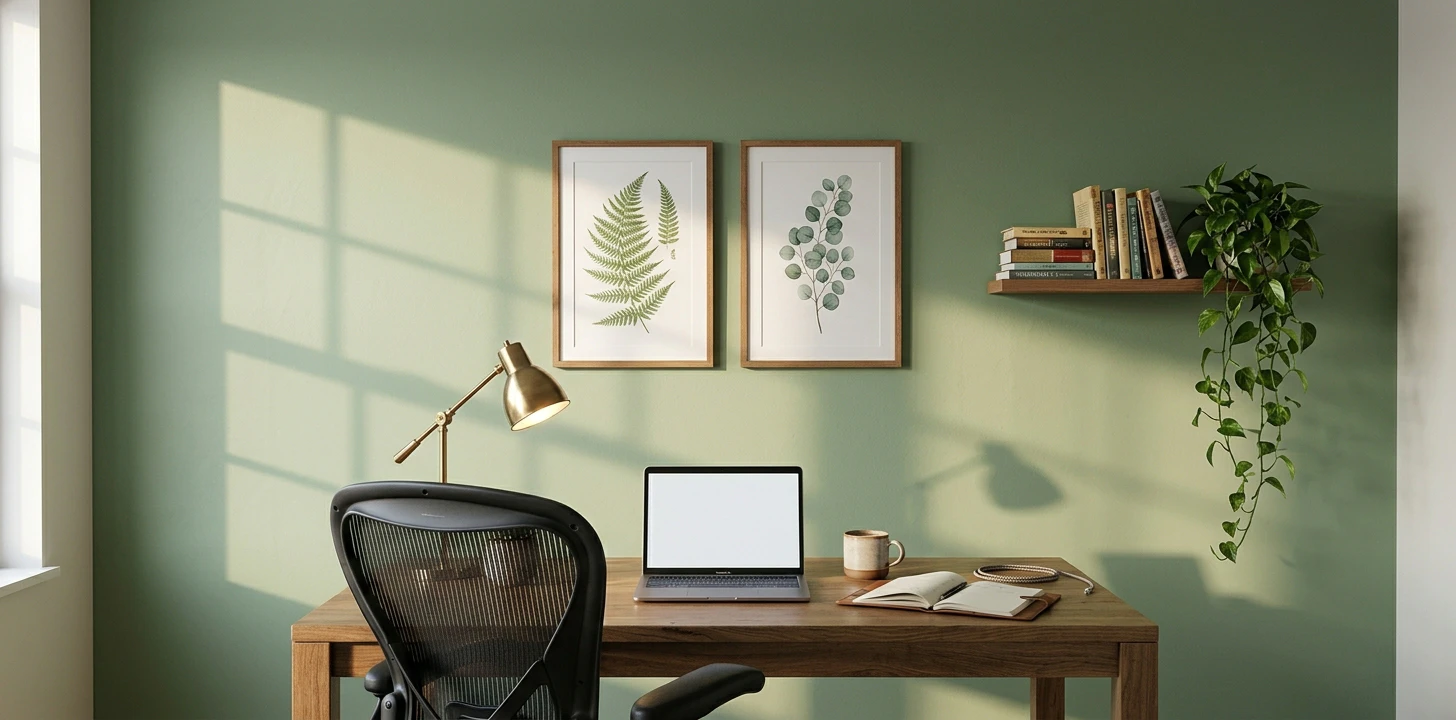 Full home office walls guide
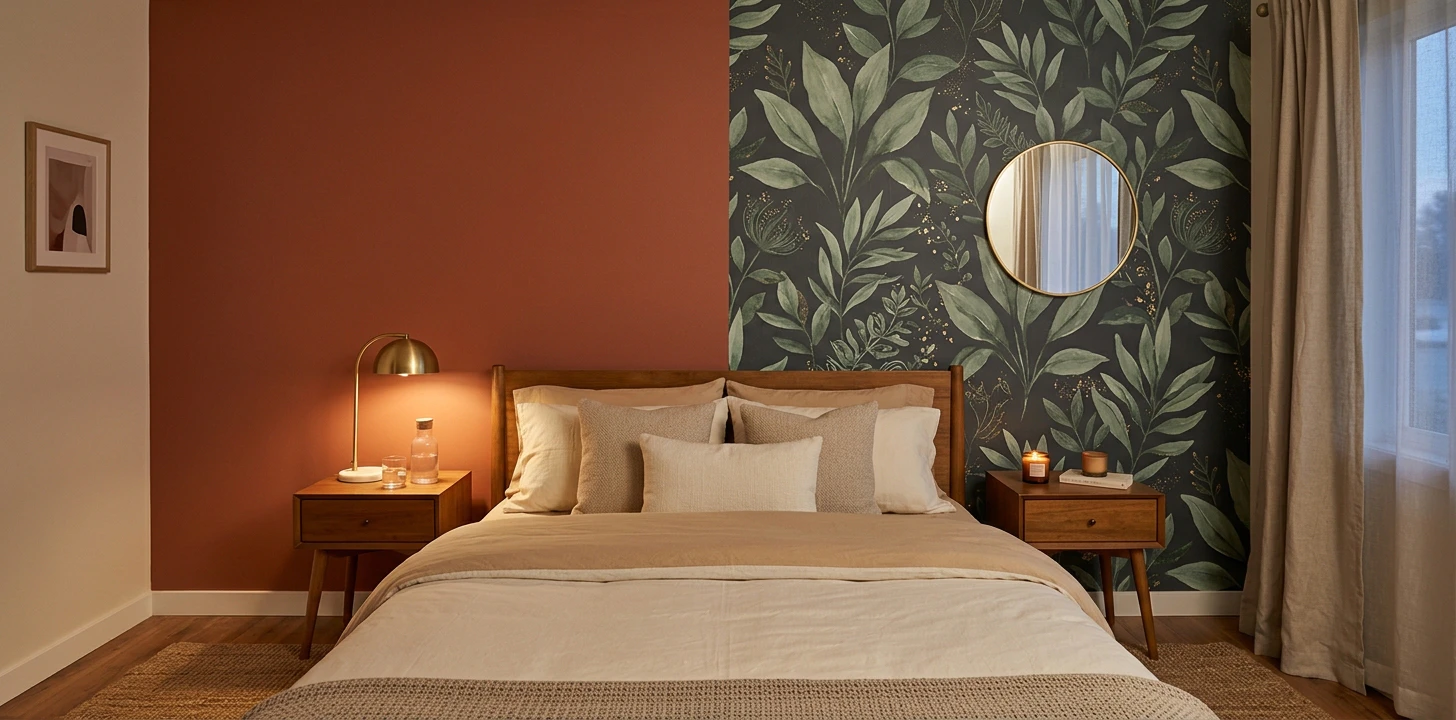 Bedroom Walls: Wallpaper vs Paint
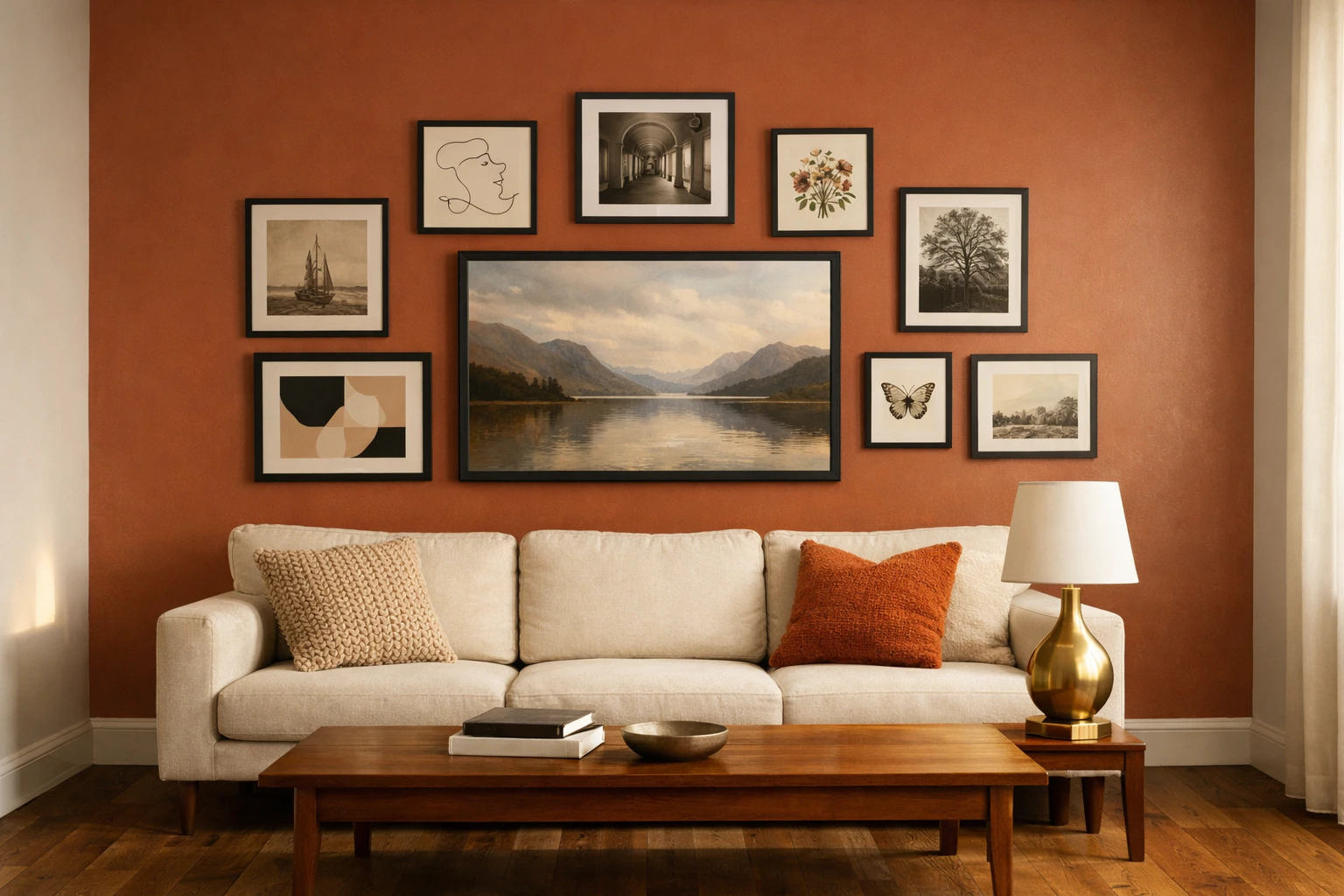 Living Room Walls
 Bathroom Walls: Wallpaper vs Tile Stickers